
Procedural Texturing For Games VFX
Learn how to create stunning VFX textures using Substance Designer for games. With proper guidance, you will become a pro within weeks.
-p-1080.jpg)
Michał Potakowski
Senior VFX Artist


Learn how to create stunning VFX textures in Substance Designer! This course will teach you everything you need to know to build a variety of textures, whether realistic or stylized. We’ll show you how to approach texture creation step by step, explaining not just how to achieve the final result, but why using nodes and building a solid system matters. This is perfect for VFX artists and game developers looking to take their texture skills to the next level.
What You'll Learn
✓
The basics of Substance Designer’s interface and workflow
✓
How to create realistic and stylized textures for VFX
✓
Best practices for building procedural, reusable systems
✓
How to export textures for use in game engines like Unreal and Unity
Course Curriculum
1-Introduction
Learn the essentials of texture creation, from different texture types and pipelines to using Substance for game-ready workflows.

2-Gradients
Build masks with gradients, swirls, and post-process techniques. These are the foundations for controlling and blending effects.
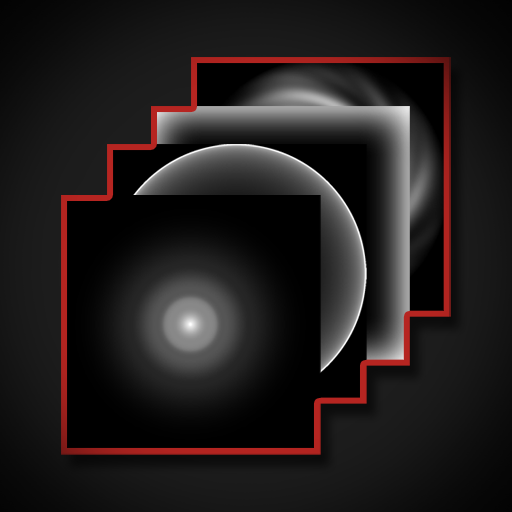
3-Noises & Normal Maps
Discover how to use noise, warps, curls, and distortions to add complexity and variation. Learn practical tricks for generating Voronoi and normal map details.

4-Lense Flares
Create cinematic lens flares, including rainbow circles and starburst effects, for extra polish and realism.

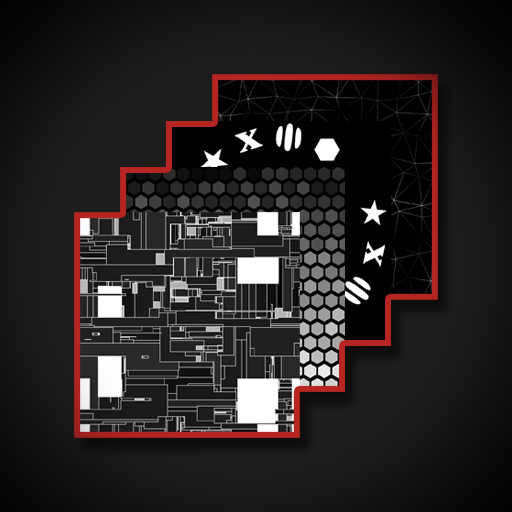
5-Shapes & Patterns
Design procedural shapes and patterns like hexagons, decals, and sci-fi motifs using Houdini’s node system.
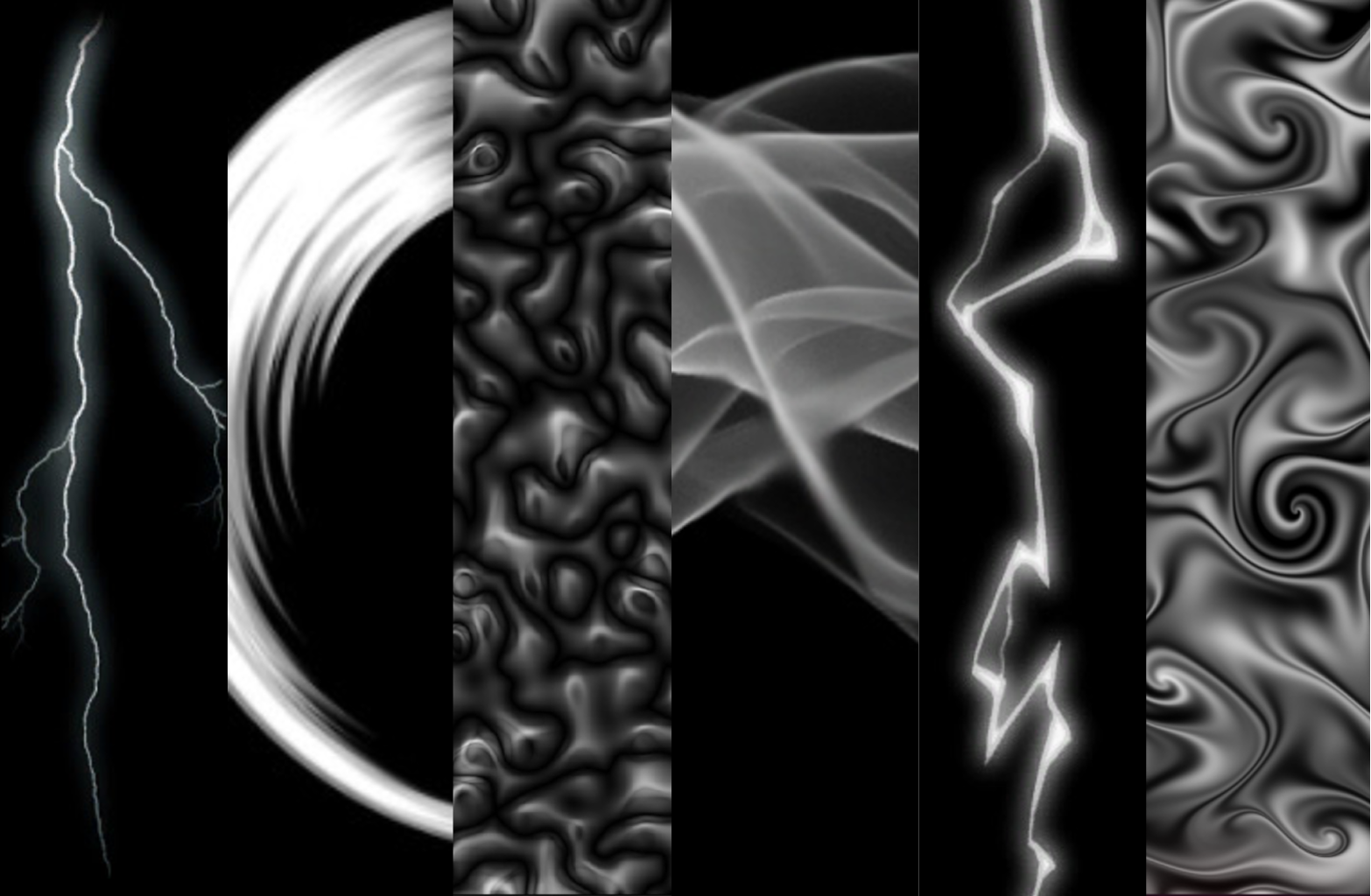
6-Lightning Strike Generator
Generate lightning bolts procedurally and convert them into optimized flipbooks for real-time use.

7-Trails
Build dynamic trails with warped shapes, cross sections, and cutoff variations to add motion and energy to effects.
8-Blood & Impact Decal
Create directional and omnidirectional blood splatters, plus impact decals that bring game environments to life.

9-File Format & Compression Overview

Who Is This For?
- You’re new to Substance Designer and want to start from scratch.
- You’re a VFX artist or aspiring game artist looking to create textures for effects.
- You want to understand why nodes and systems matter, not just follow steps.
Requirements
Instructor
.png)

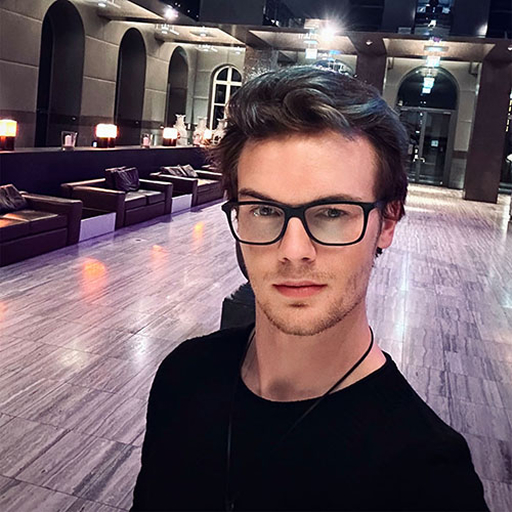
Björn Riemann
Senior Technical VFX artist
Hey! I am Björn Riemann, a senior technical VFX artist currently contributing my expertise to 10Chambers. Over the past decade, my journey in the realm of game development has encompassed diverse roles and experiences. I have honed my skills at esteemed studios including Crytek, Deck13, and Deep Silver Fishlabs, contributing to the development and launch of titles such as "Hunt Showdown" and "Atlas Fallen".
My passion for VFX lies in the exploration of diverse art styles and cool new techniques. In recent years, I have found great fulfillment in sharing my knowledge and expertise by mentoring junior professionals and guiding aspiring students in the magical craft of visual effects.
Known For:



No items found.
-p-1080.jpg)
Michał Potakowski
Technical VFX artist
Heyo! I am Michał Potakowski (also known as Manus), a VFX artist at FX-Chamber and DVD Unicorns. I've been working in gamedev for past 7 years (4 typically as a VFX Artist or a Tech Art).
Some titles I contributed to:
Immortal: Gates of Pyre, Bytebond, The Witcher: Monster Slayer, #DRIVE and tons of my gamejam games.
To get into VFX I had to be fully self-taught so over the years I learnt how important it is to simplify knowledge and aim to understand the core rather then just the surface. That's exactly what I want to share now with other people to make their journey more enjoyable!
Known For:


No items found.
start your VFX journey
Procedural Texturing For Games VFX
€200
- ✓All Future Updates Included
- ✓Lifetime Access
- ✓Unlimited Q&A Support
- ✓Exclusive Student Discord
Ready to Build
Realistic Effects?
Enroll in the Masterclass and start building production-quality VFX from day one.